
EA Builder

This is a comprehensive guide to EA Builder software with plenty of useful examples.
It is also accessible from within your workspace:

First of all, we recommend you watch the videos in the Help section or alternatively, read the text version with screenshots.
EA Builder will enable you to create your own custom indicators and automated strategies (Expert Advisors).
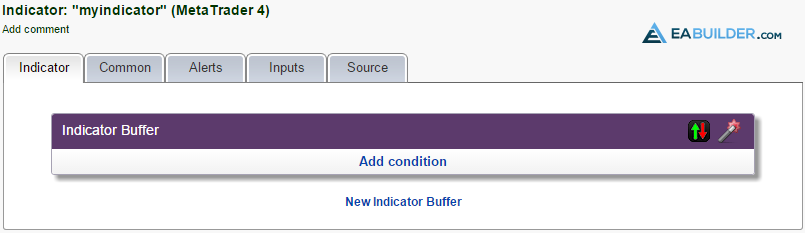
Note that the workspace is different for indicators and strategies. When you create a new indicator, you see five tabs in the workspace related to indicators: Indicator, Common, Alerts, Inputs and Source.
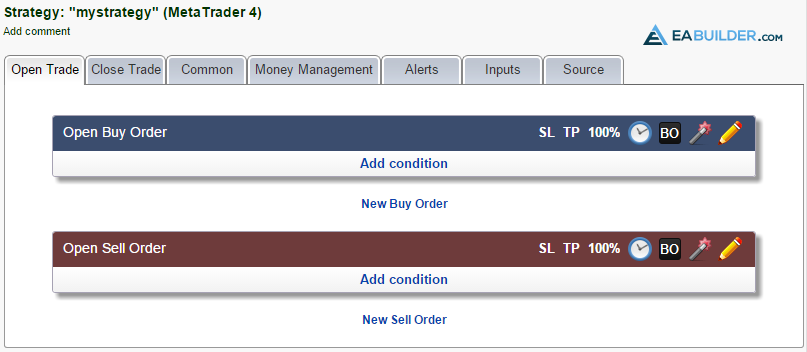
When you create a new strategy, you see a different set of tabs related to strategies:
Tip: Before you start creating and testing a new strategy, it may be useful to create a custom indicator first, i.e., display an up or down arrow where you want to buy or sell. This way you can test your conditions and see whether or not the arrows are displayed where you want to execute orders.
Sumber : EA Builder